
A post-16 enrolment system for every stage of admissions
Applications, references, interviews, taster days, results day, enrolment, payments and the student portal all run in P16, and each stage feeds the next. A student's record carries from first application to enrolment.
Applications that arrive complete
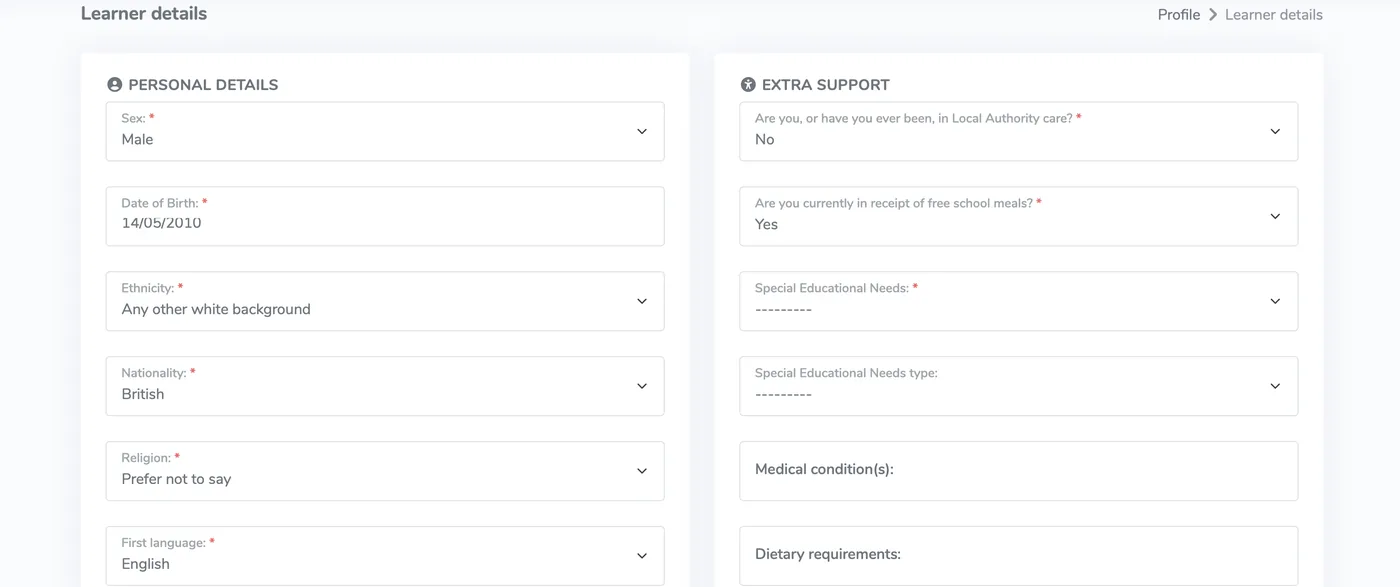
Students apply on any device through a form with your branding and your subject choices. Entry requirements, class caps, subject blocks, faith documents and catchment rules are applied as they apply.
- UPN checked against the national format on submission
- Grade requirements and class size caps per subject
- Waiting lists when a subject fills
- Faith school and catchment rules
References chased for you
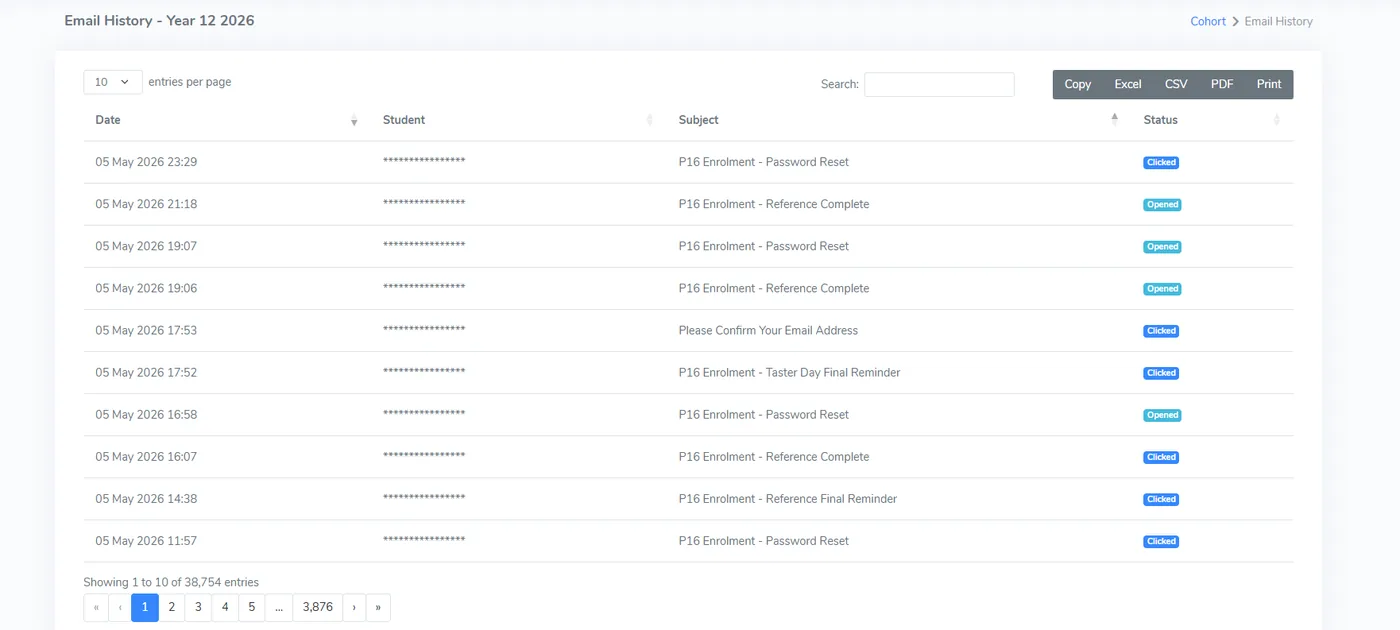
Each referee gets a secure link and submits their reference online, with predicted grades alongside. If it is late, P16 sends reminders at the intervals you set, so your inbox stays out of it.
- Secure link, with no account needed for referees
- Predicted grades submitted with the reference
- Reminders at intervals you configure
- Every email logged against the student record
Interviews and meetings booked in the system
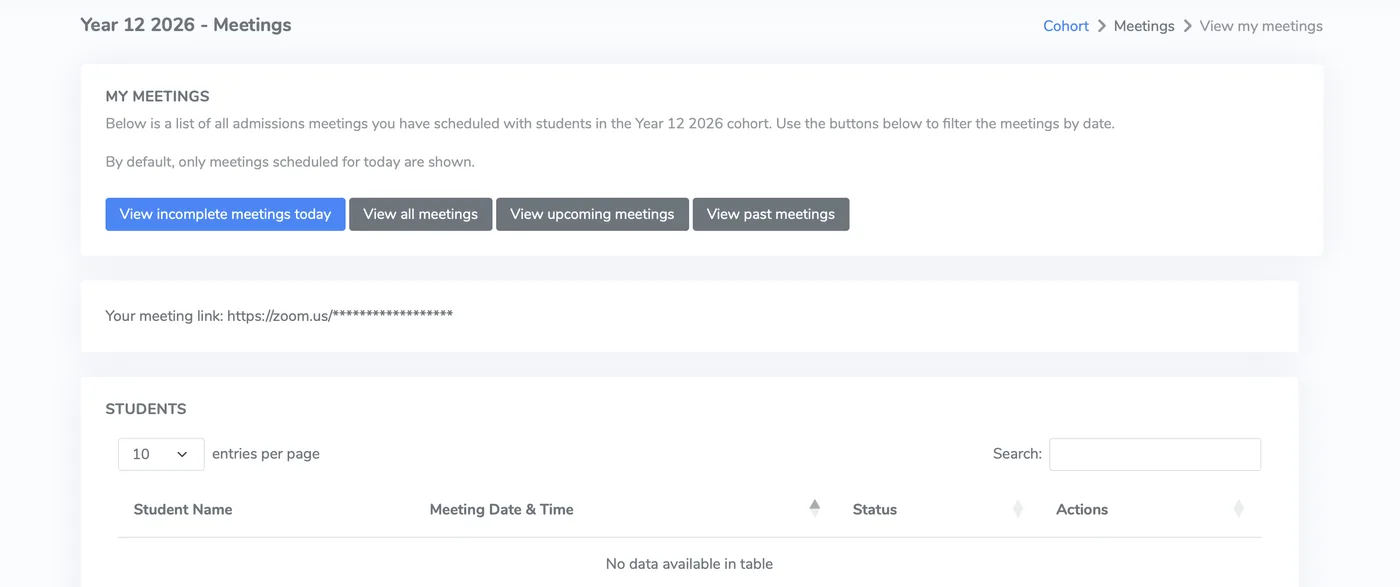
Book individual or group meetings, send invitations automatically and see who has replied. Students accept or decline in one click, and rescheduling is self-service.
- Students allocated to slots automatically or by hand
- Custom interview questions for each meeting type
- Accept or decline in one click
- A My meetings view showing each member of staff only their own slots
Taster days planned from one grid
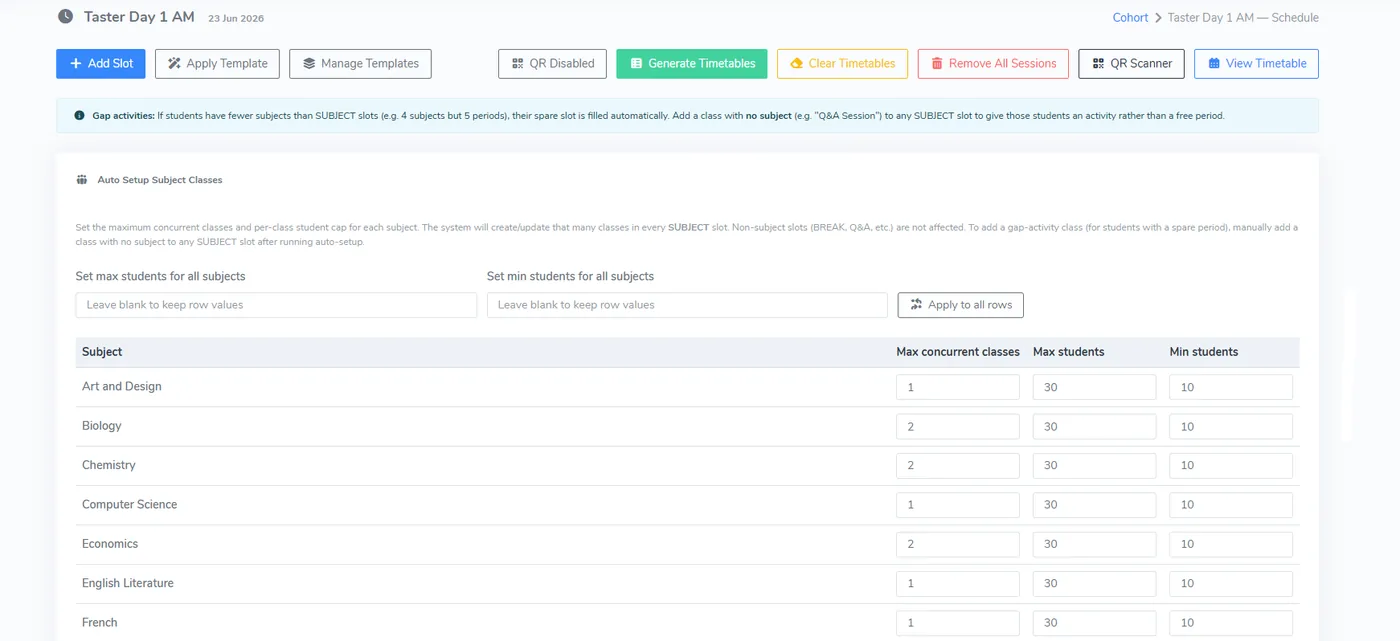
Set the capacity for each subject session on one grid and P16 allocates students and generates the timetables. On the day, students show a QR code and attendance is recorded as they arrive.
- One grid for every subject session
- Timetables generated and downloadable for each student
- QR code sign-in with live attendance
- Schedule templates reused each year
Results day on one live screen
Students submit grades online and P16 checks each subject against your requirements as they do. Verified grades can come from the DfE's Education Record service instead of being typed in.
- Pre-booked time slots instead of an 8am queue
- Eligibility checked per subject as grades are entered
- Verified grades retrieved from the DfE
- Borderline cases held in a waiting list
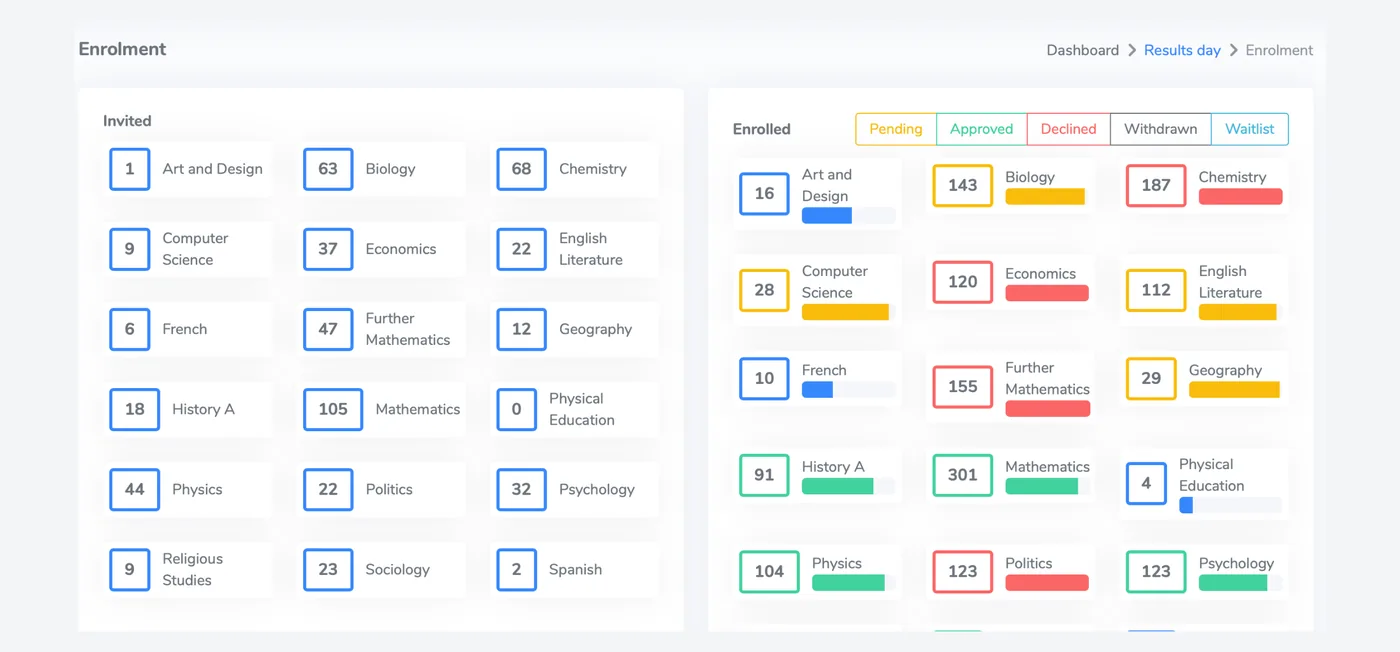
From confirmed place to enrolled student
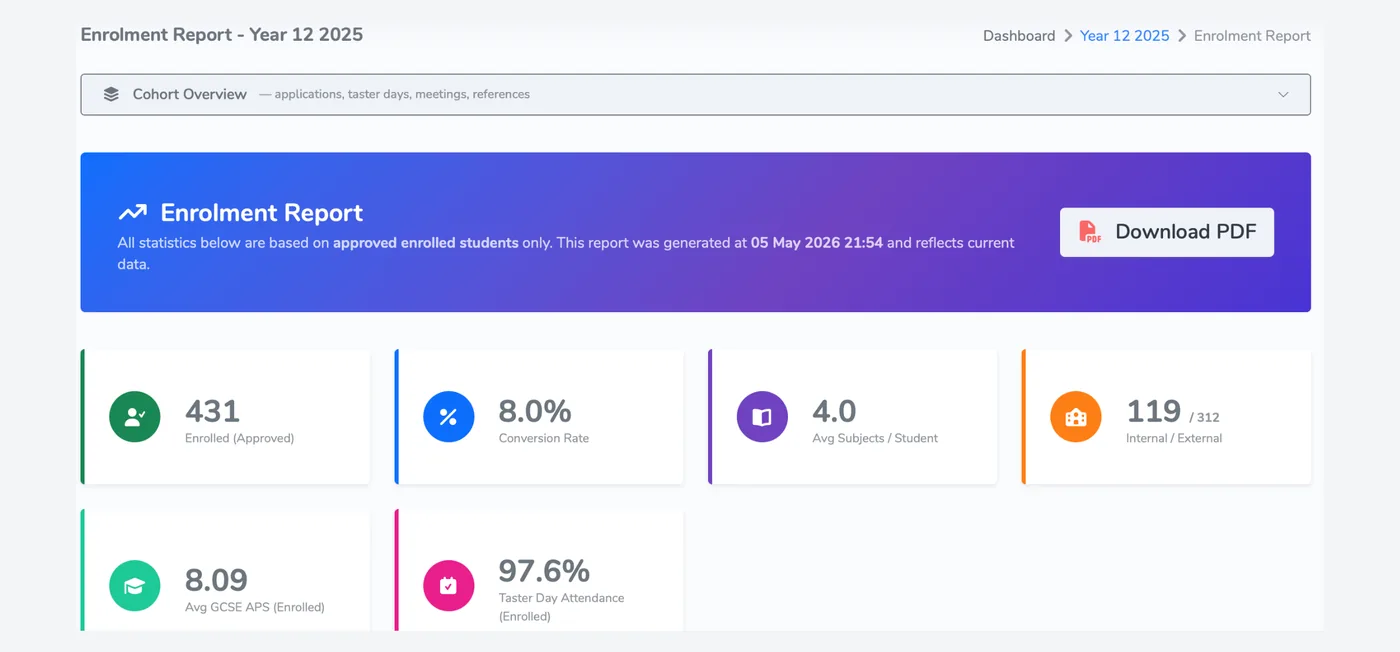
Confirm places, record withdrawals and email filtered groups without leaving the system. The enrolment report shows live cohort numbers, and CSV exports are there for your MIS and your governors.
- Audit trail of every decision
- Every email logged against the student record
- Live cohort numbers and CSV export
- Role-based access, with multi-factor authentication for staff
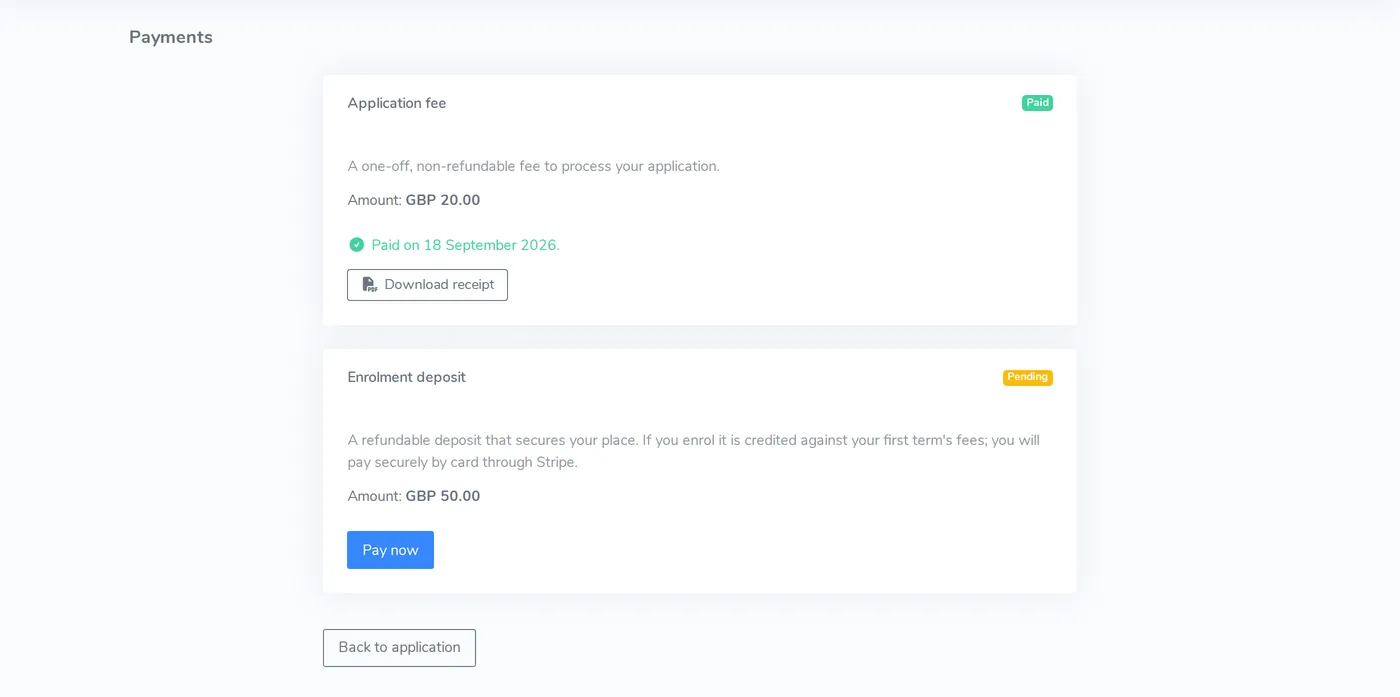
Fees and deposits collected online
Set a fee or deposit once and choose when it is requested. Students pay by card through Stripe, and staff can waive, mark as paid or refund with a reason on record.
- Triggers on submission, offer acceptance or enrolment
- Secure Stripe checkout
- Cohort report of paid, waived, refunded and outstanding fees
- Audit trail for every waiver and refund
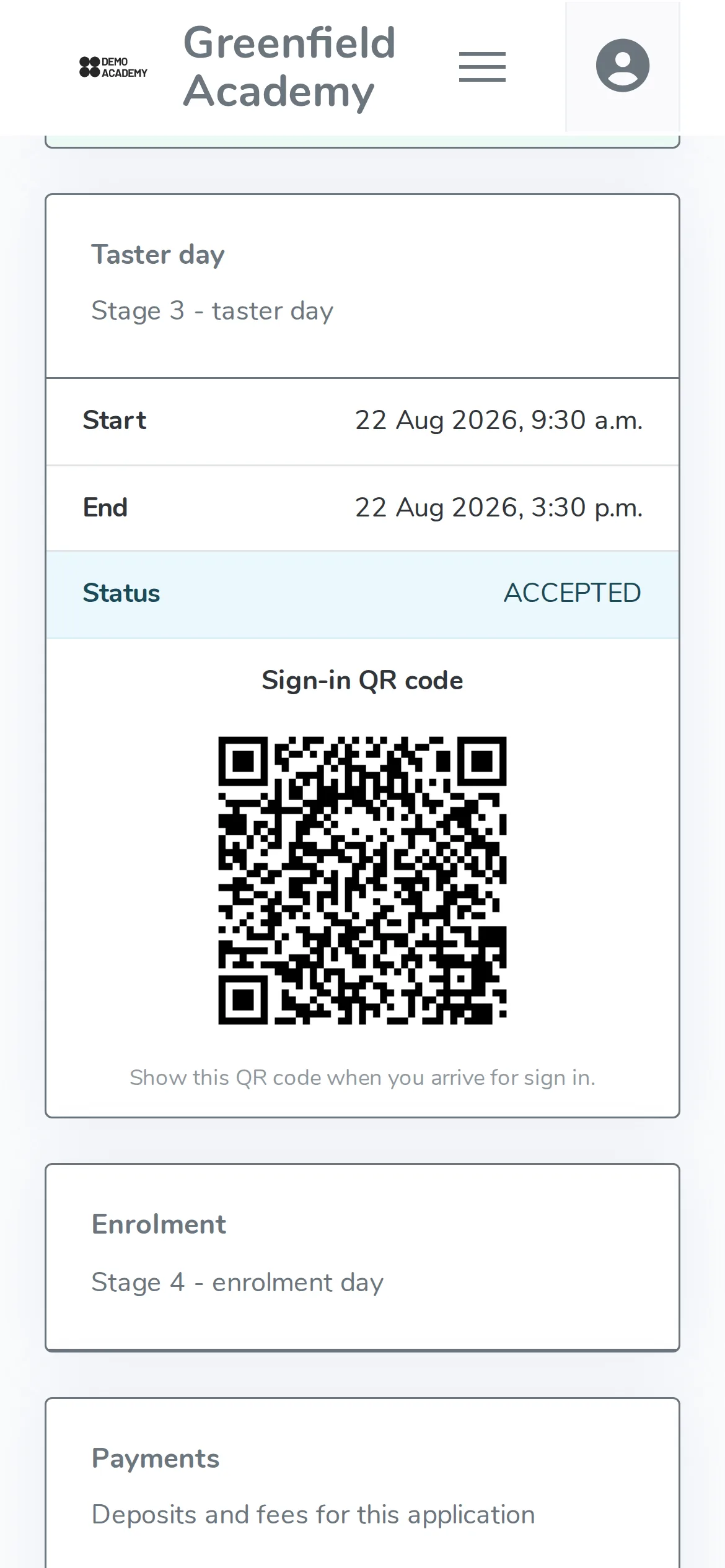
A portal students can use on a phone
Students see their application status, meeting invitations and taster day details in any mobile browser, and show a QR code at events. A student app is in development and is not yet available.
- Application status updated as staff decide
- Invitations accepted in one tap
- QR sign-in at taster days
- Nothing to download
See it against your own admissions process
A 15 to 30 minute walkthrough, a price based on your student numbers, and a one-week trial environment if you want one.