
Student portal and communications for admissions
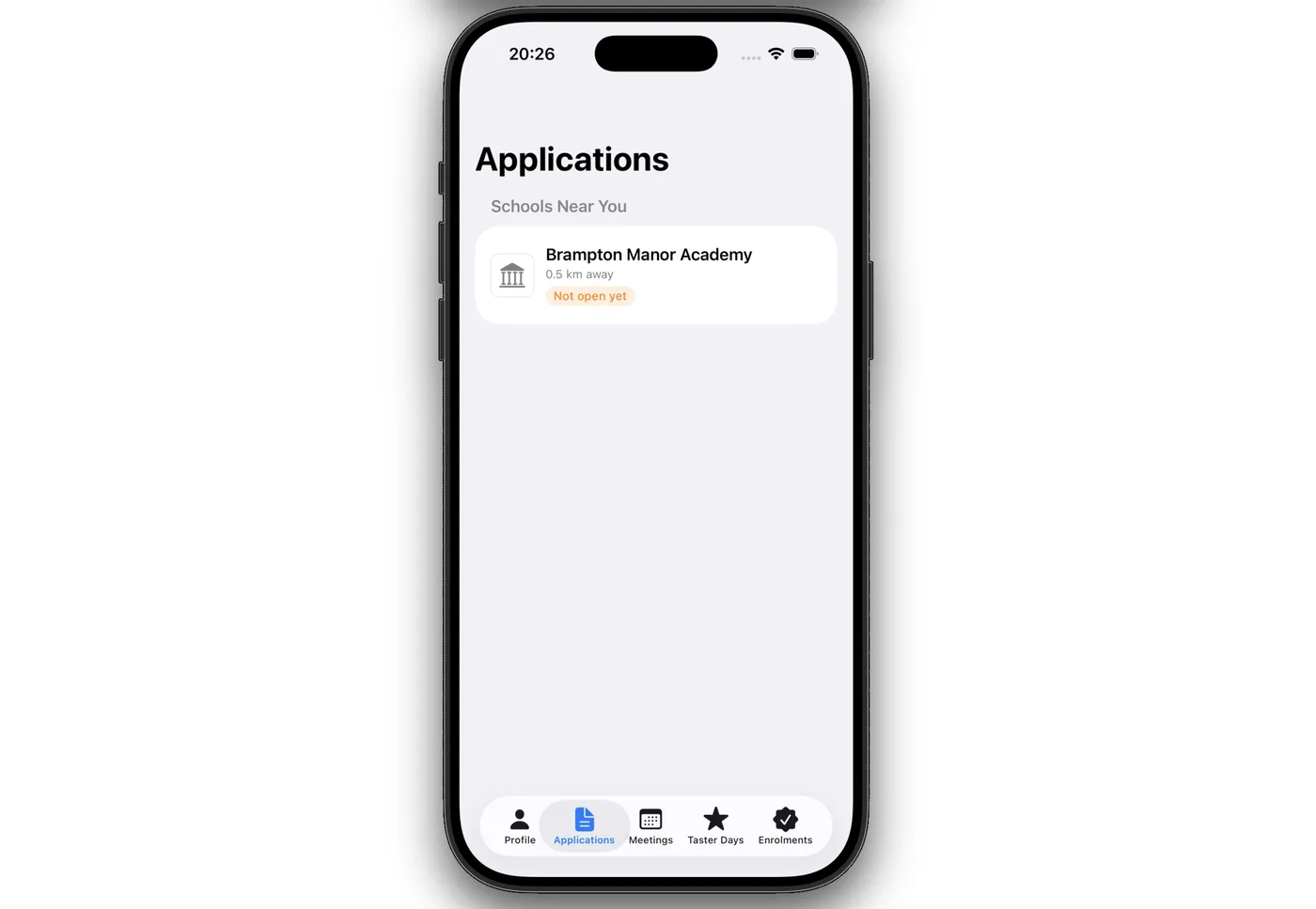
Students sign in on a phone to see where their application stands, accept meeting invitations, find their taster day details and show a QR code at events. Staff get a full record for each student, with every email logged against it.
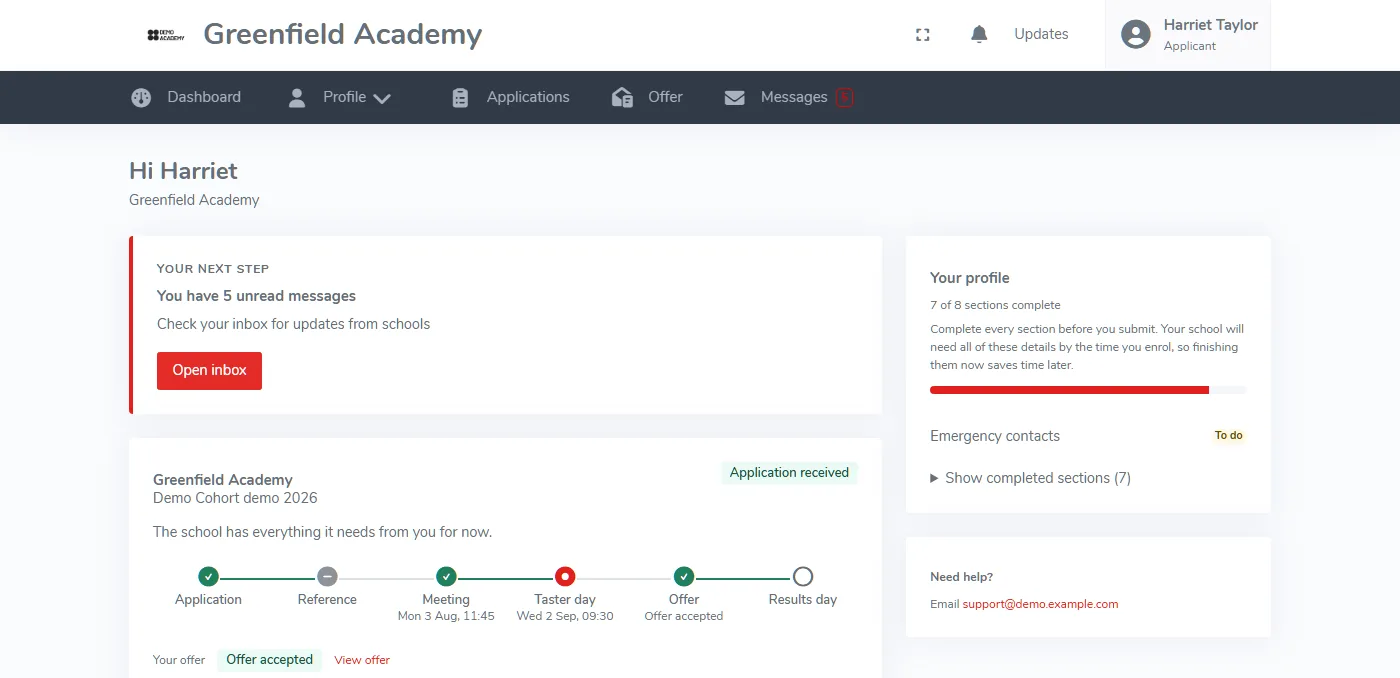
Students always know where they stand
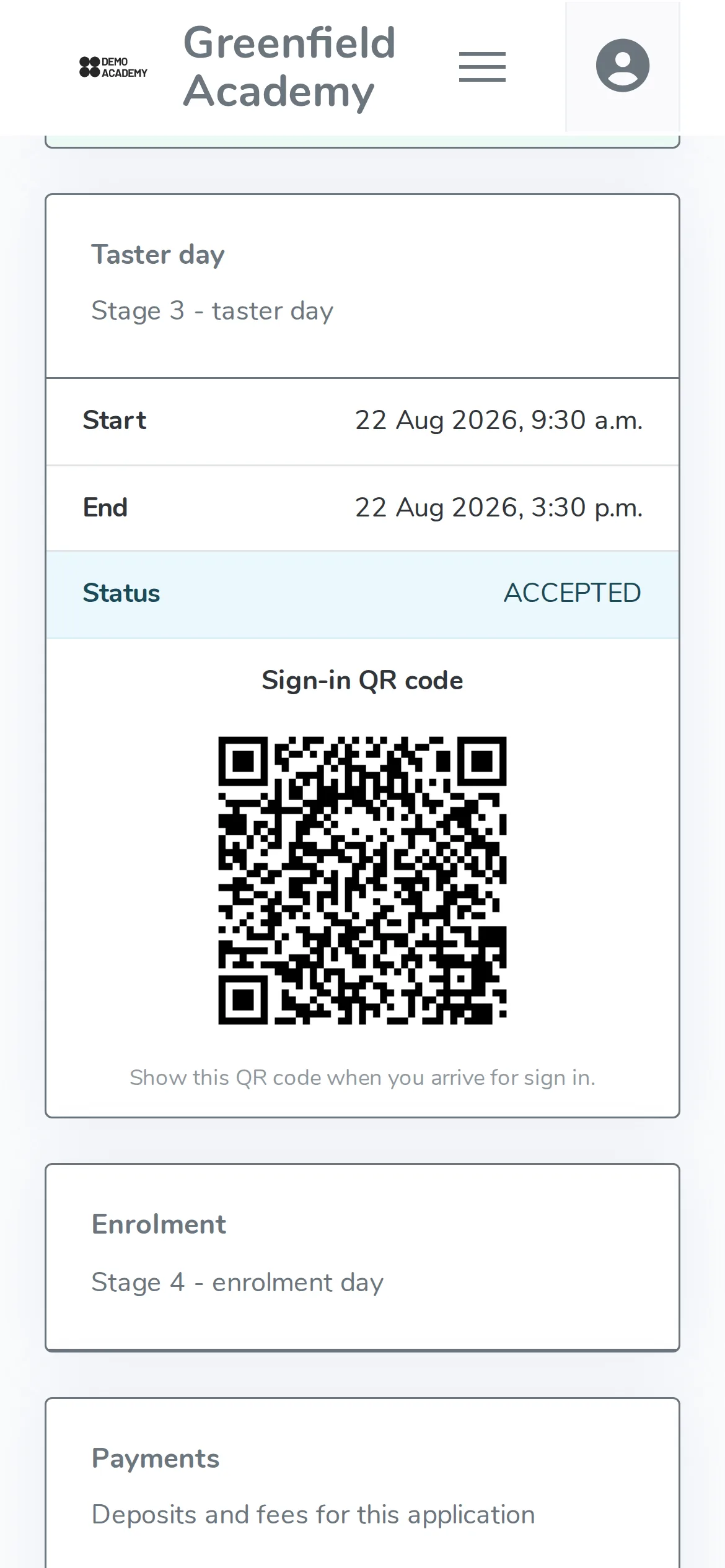
The portal works in any mobile browser, so there is nothing to download. Each stage of admissions appears as a card: taster day times, the student's status, a sign-in QR code, enrolment day and payments.
- Application status updated as staff make decisions
- Taster day times and a sign-in QR code
- A results day time slot
- Fees and deposits for the application
Invitations accepted in one tap
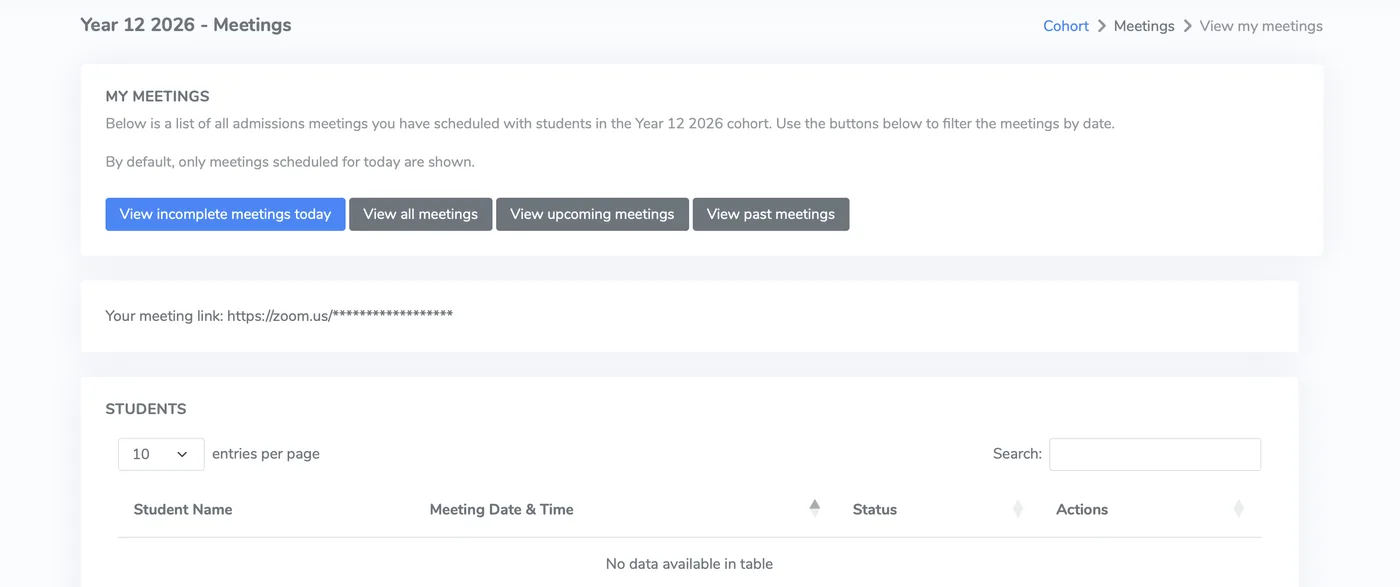
Meeting invitations appear in the student portal. Students accept or decline with one tap, so nobody has to ring or email to confirm. Each member of staff has a My meetings list that shows only their own sessions.
- Invitations sent from the system
- Accept or decline in one tap
- Meetings filtered by today, upcoming or past
- A meeting link shown to each member of staff
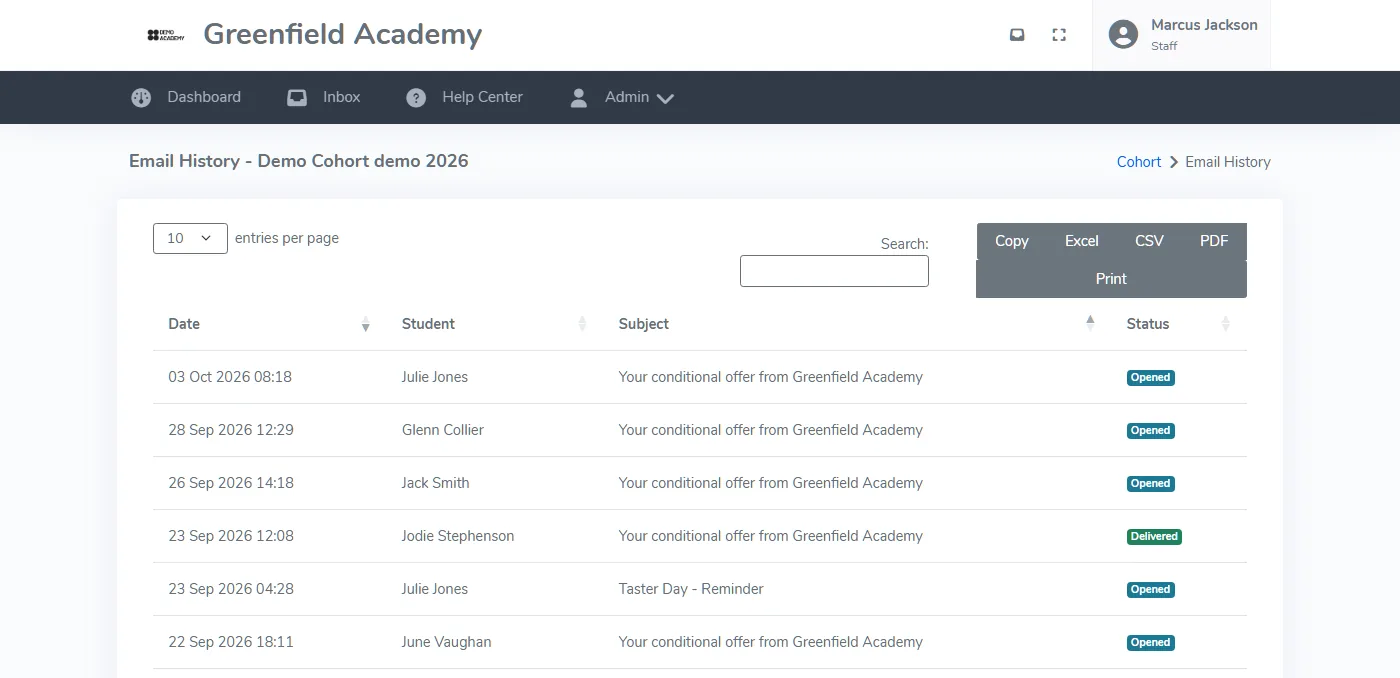
Every email logged
Reminders, confirmations and invitations go out from P16 and are recorded against the student and the cohort. Staff can see when each was sent and whether it was opened or clicked, so they do not have to ask students what they received.
- Email history for the whole cohort
- Opened and clicked status for each message
- Search, and export to Excel, CSV or PDF
- Reference and taster day reminders sent automatically
A student app is in development
A dedicated P16 student app is being built for a later release. It is not available yet, and the portal and QR features above work in the browser today. Book a demo and we will tell you when the app launches.
- Planned: apply and track an application from a phone
- Planned: push notifications for status changes and invitations
- Planned: a built-in QR scanner for event sign-in
- Planned: kept in step with the main platform
Around the student portal
Payments
Fees and deposits appear in the portal, and students pay by card.
PaymentsResults day
Students get a results day time slot and submit their grades online.
Results dayPricing
One annual fee based on the students you enrol, with every feature included. Prices start at £575 a year.
See pricingQuestions about the student portal
Can students see their application status online?
Do students need to download an app?
How does QR sign-in work for students at events?
Can students accept or decline meeting invitations online?
See the student portal on your own cohort
We will show what students see, and how staff track invitations and emails.