
Online application forms for your sixth form
Students apply from a phone, tablet or laptop. The form carries your branding and deadline, checks the UPN against the national format on submission and applies your subject rules as students choose. Staff see every applicant and their status on one screen. Setup takes up to five days.
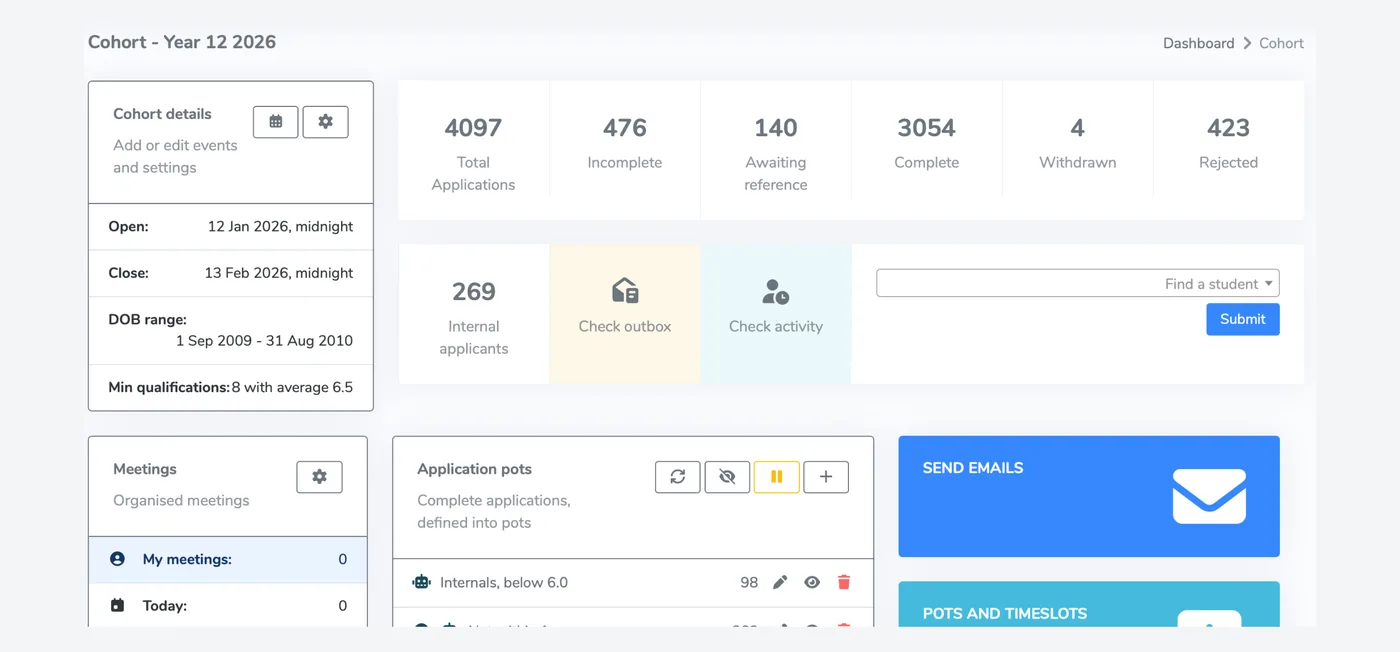
A form students can finish on a phone
The form is mobile-first and takes students through one section at a time. It shows your branding, your welcome message and your closing date. Required fields are marked and checked before a student can submit.
- Your branding, welcome message and deadline
- UPN checked against the national format when the student submits
- Works on any phone, tablet or laptop
- Students can check their application status after they apply
- One student account can apply to every school that uses P16
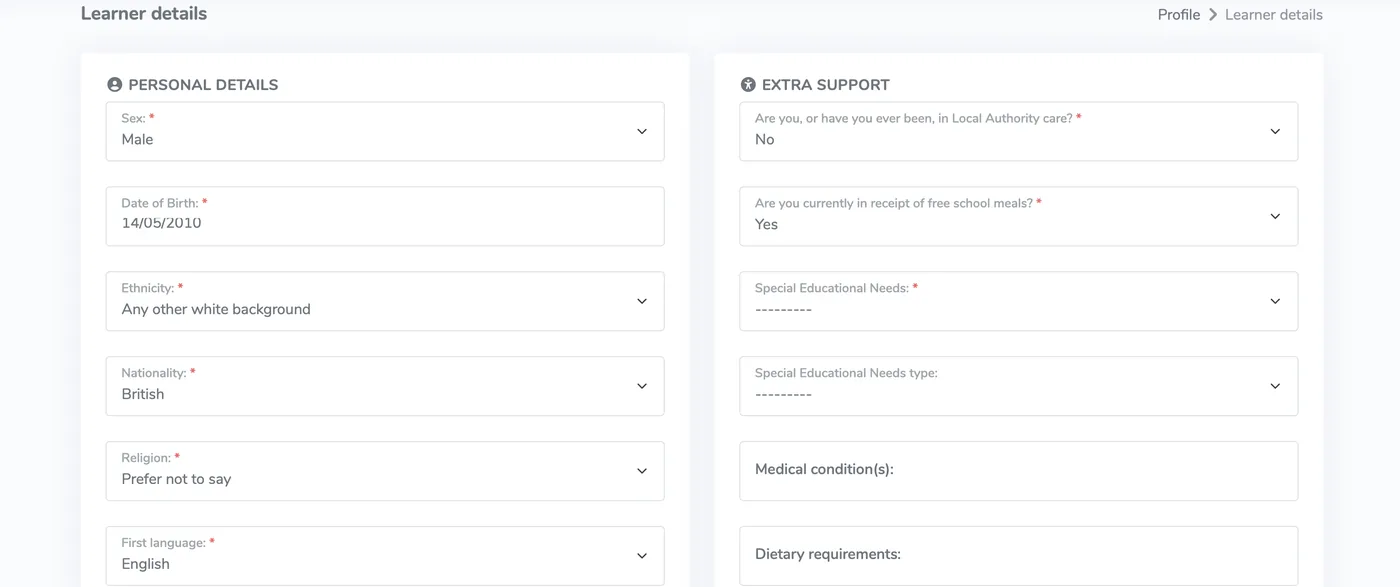
Entry requirements applied as students choose
Set minimum grades for each subject and a cap on class size. A student who picks a subject they do not yet qualify for is told straight away. When a subject is full, new applicants join its waiting list automatically.
- Minimum grades per subject and qualification, such as a grade 6 in GCSE maths for A-level maths
- Required subjects and subject groups
- Class size caps with automatic waiting lists
- Last year's subjects and requirements copied across in one click
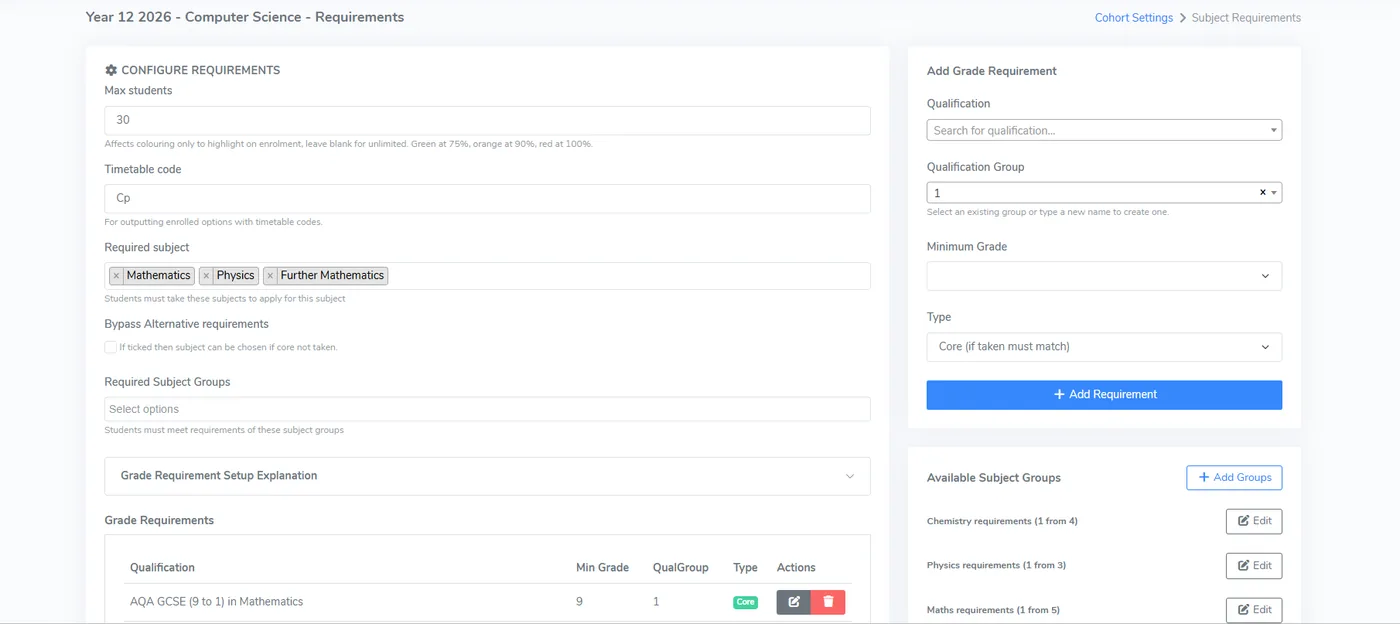
Timetable clashes caught at the point of choice
Group subjects into blocks that mirror your timetable. A student cannot pick two subjects from the same block, so a clash never reaches the offer stage.
- Blocks A, B, C and so on, set up for each cohort
- One subject per block enforced during selection
- Students see a clash straight away
- Works alongside grade requirements and class caps
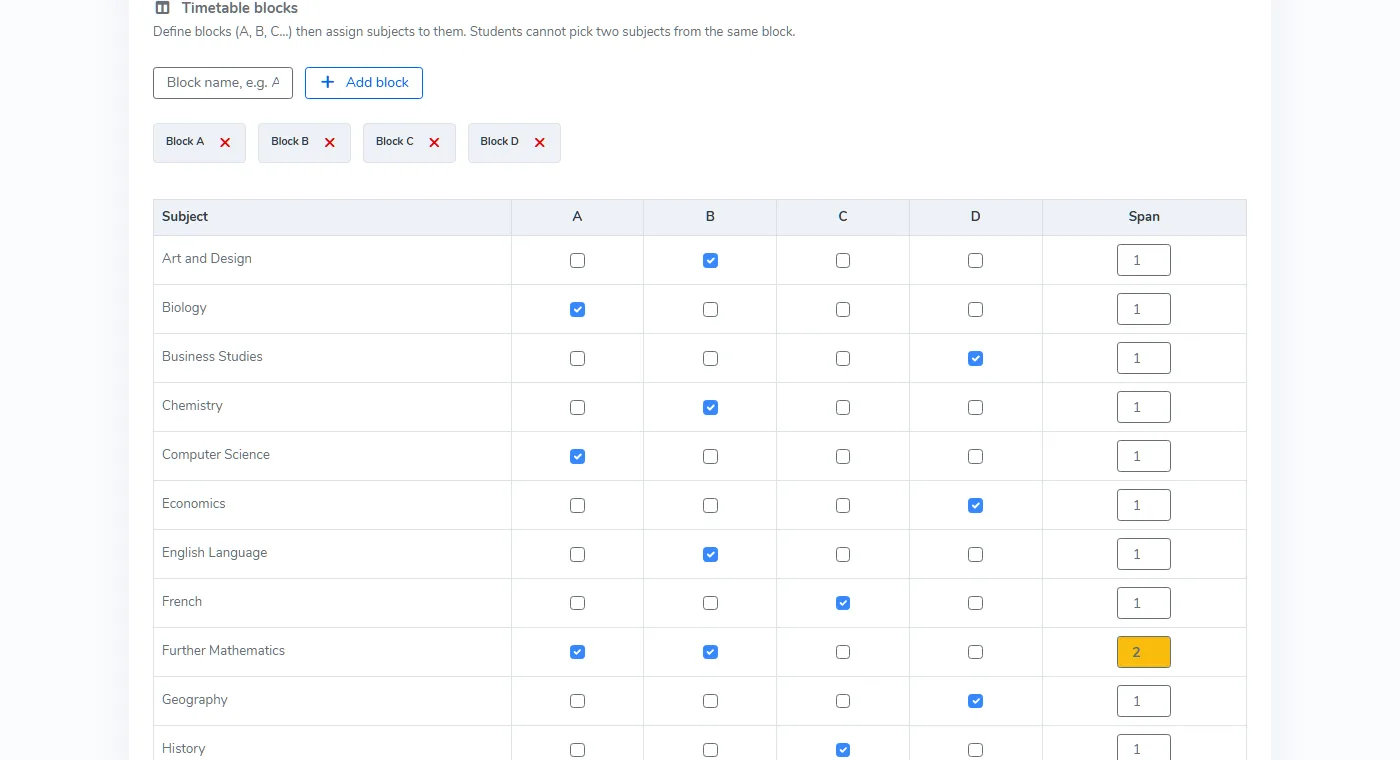
Faith documents requested and tracked
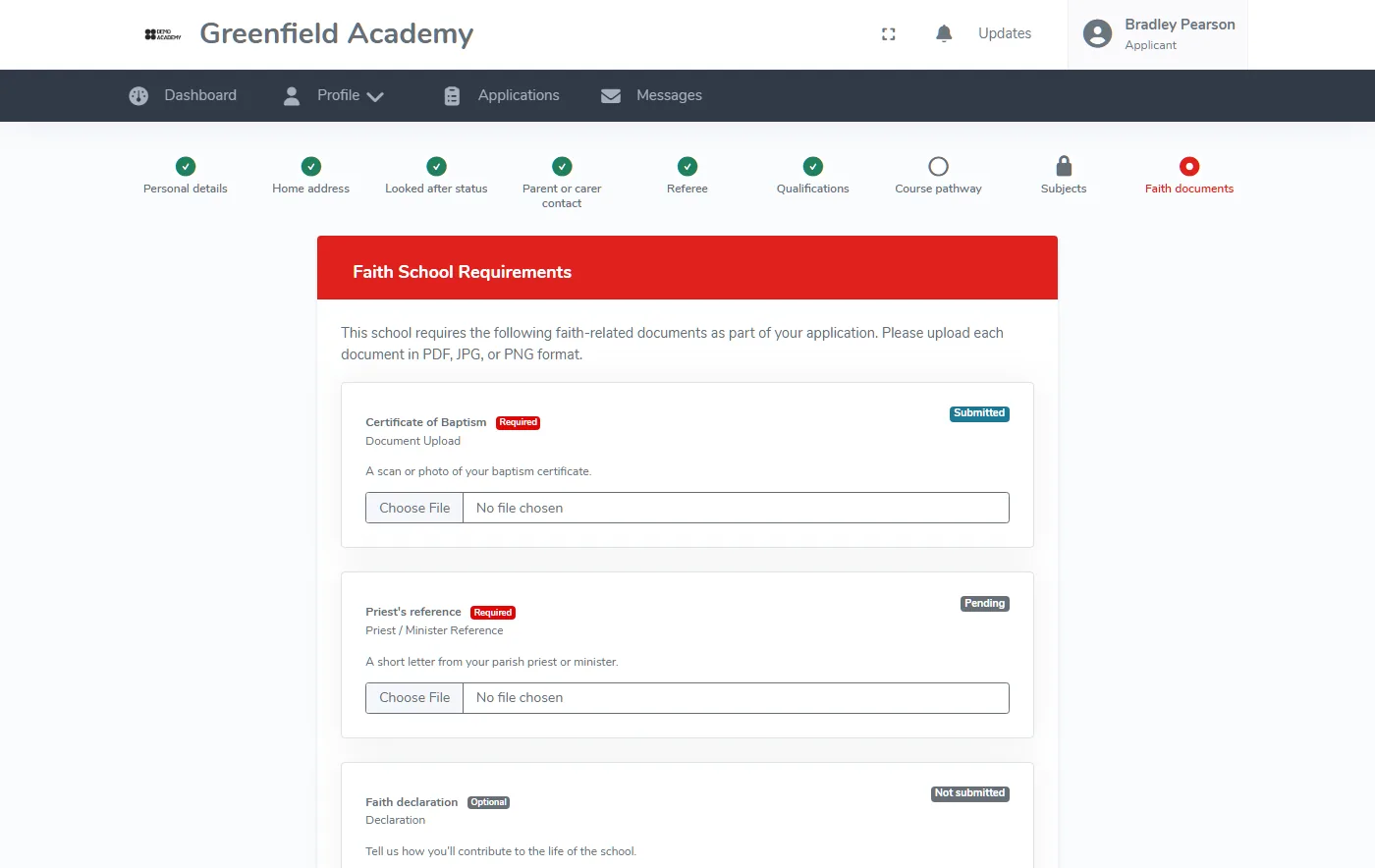
Switch on faith requirements once and every applicant is asked for the right supporting documents, such as a certificate of baptism, a signed declaration or a reference from a faith leader. Each item is tracked until it is verified.
- Document, declaration or reference requirements set for each cohort
- Each requirement marked required or optional
- Students upload files from their application
- Submitted, verified and waived status visible for every applicant
Catchment and feeder school priorities
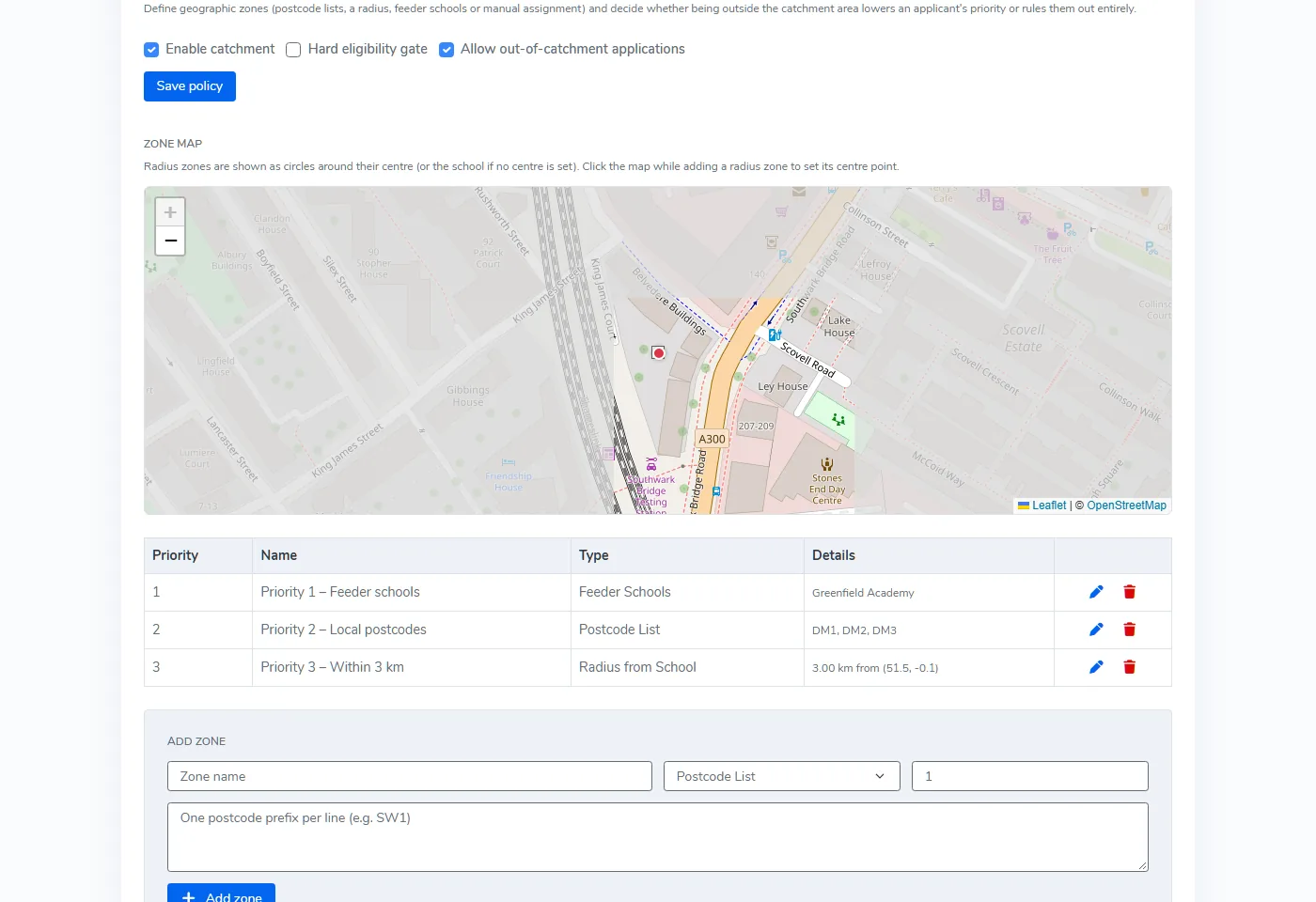
Define zones by postcode list, radius from your site or named feeder school, and put them in priority order. Choose whether applying from outside the catchment area only lowers priority or rules the student out. Each applicant is checked as they apply.
- Zones built from postcodes, a radius or feeder schools
- Zones ranked in the order your admissions policy uses
- Out-of-catchment applications allowed or blocked
- Staff can override a result, with the change recorded in the audit trail
Applications that stay within the Admissions Code
In January 2026 the Schools Adjudicator upheld an objection to the sixth form admission arrangements for two London schools. The application software they used counted as a supplementary information form, so collecting medical, welfare and family data through it breached the Code. So did requiring references with predicted grades, and giving provisional offer holders priority on results day. P16 is built so none of that happens by accident.
A P16 profile, not a supplementary form
Students keep their full profile, including ethnicity, SEN, medical needs, further emergency contacts, future plans and ID documents, with P16. Your staff see only what bears on your published arrangements. Everything else unlocks when the student submits their enrolment on results day.
Reject on predictions, never for good
Decisions use the student's own predicted grades, never a referee's. A student who isn't predicted your entry grades can still enrol on results day if their results meet them, on exactly the same footing as everyone else.
A checklist that keeps you honest
Each cohort shows what still needs fixing: a missing PAN for external applicants, unpublished arrangements, pot rules or questions that rely on prohibited data, and results day gates that would create a hidden priority.
- References still collected, but never a condition of applying
- SEN and FSM from the DfE education record withheld until enrolment
- Profile completed at enrolment, so you still get everything you need on day one
- On by default for new schools, and existing schools switch it on from their settings. Providers outside the Code, such as FE colleges, can switch it off
Where applications lead next
References and interviews
Referees get a secure link and automatic reminders. Interviews are booked and confirmed in the same system.
See the stagesTaster days
Applicants move on to taster days, with timetables built from one capacity grid.
Taster daysPricing
One annual fee based on the students you enrol, with every feature included. Prices start at £575 a year.
See pricingQuestions about online applications
How long does it take to get online applications running?
Can we set different minimum grades for each subject?
What can staff see and do on the applications screen?
Does P16 support faith school and catchment policies?
See applications set up for your subjects
A 15 to 30 minute walkthrough using your own entry requirements, with a price based on your student numbers.